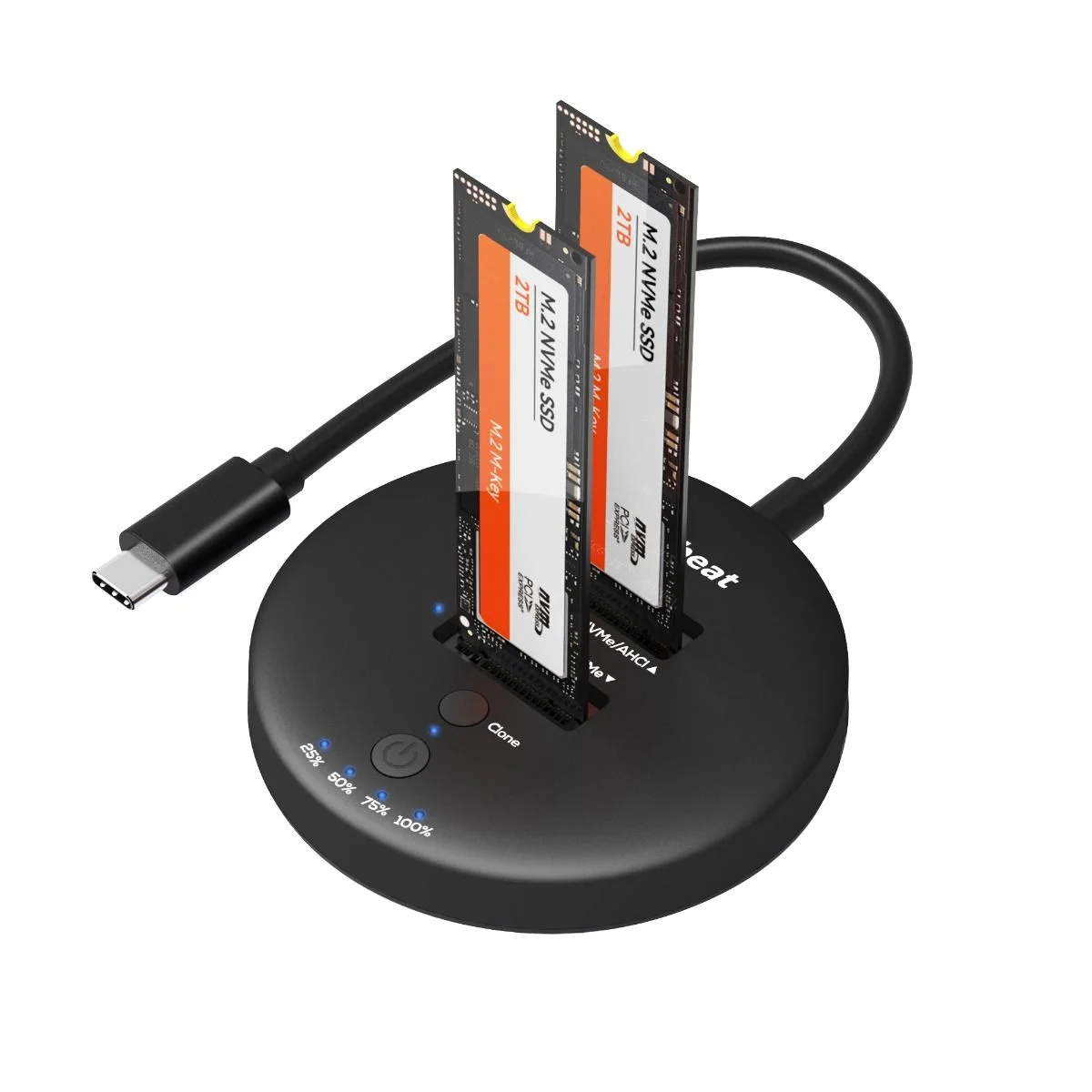
The Simplecom SD570 is a dual bay USB docking station that gives you fast access to both NVMe M.2 SSDs and 3.5" or 2.5" SATA HDD/SSDs from a single device. With USB 3.2 Gen 2 transfer rates up to 10Gbps and multi-LUN support, you can read and copy files between both drives at the same time.
Key Features
- One M.2 slot for NVMe M.2 SSD
- One SATA slot for 3.5" or 2.5" SATA HDD/SSD
- USB 3.2 Gen 2 interface supporting up to 10Gbps data transfer rate
- Multi-LUN support gives each slot a separate drive letter so both can be accessed simultaneously
- Offline clone function for standalone duplication without a host computer
- Clone direction switch allows two-way clone between NVMe M.2 and SATA drives
- UASP support for faster data transfer and maximum performance
- TRIM command support to improve data writing and extend SSD life
- Plug and play with no additional driver software required
- LED light indicates power and activity status
Specifications
- Model: SD570
- Interface: USB-C (USB 3.2 Gen 2)
- Transfer rate: up to 10Gbps
- NVMe slot support: NVMe M.2 SSD (2230 / 2242 / 2260 / 2280)
- SATA slot support: 3.5" or 2.5" SATA HDD/SSD
- Multi-LUN support: yes (two drive letters)
- Offline clone support: yes (two way)
- DC input: 12V3A
- Net weight: 163g
- Dimensions: 181 x 122 x 34mm (LxWxH)
- Operating system support: Windows 7 and above, Mac OS 10.8 and above
What's in the Box
- 1x SD570 Docking Station
- 1x USB-C to USB-C Cable
- 1x Power Adapter
- 1x User Manual
Important Notes
- The M.2 slot is for NVMe M.2 SSD only. SATA M.2 and mSATA SSDs can also be supported with an optional SATA to M.2 and mSATA adapter (SA207, sold separately)
- Do not plug or unplug an SSD or HDD while another slot is being accessed by the computer, as this will interrupt data transfer and may corrupt the data
- Do not touch the SSD during operation. Be careful of the hot surface of M.2 SSDs, which can reach up to 70°C during operation
- Double check the clone direction switch before starting duplication to avoid data loss
- For 10Gbps data transfer rate, a USB 3.2 Gen 2 or Thunderbolt 3 interface is required (USB 3.2 Gen 2 was formerly known as USB 3.1 Gen 2)
- New SSD or HDD drives must be initialised and partitioned before use