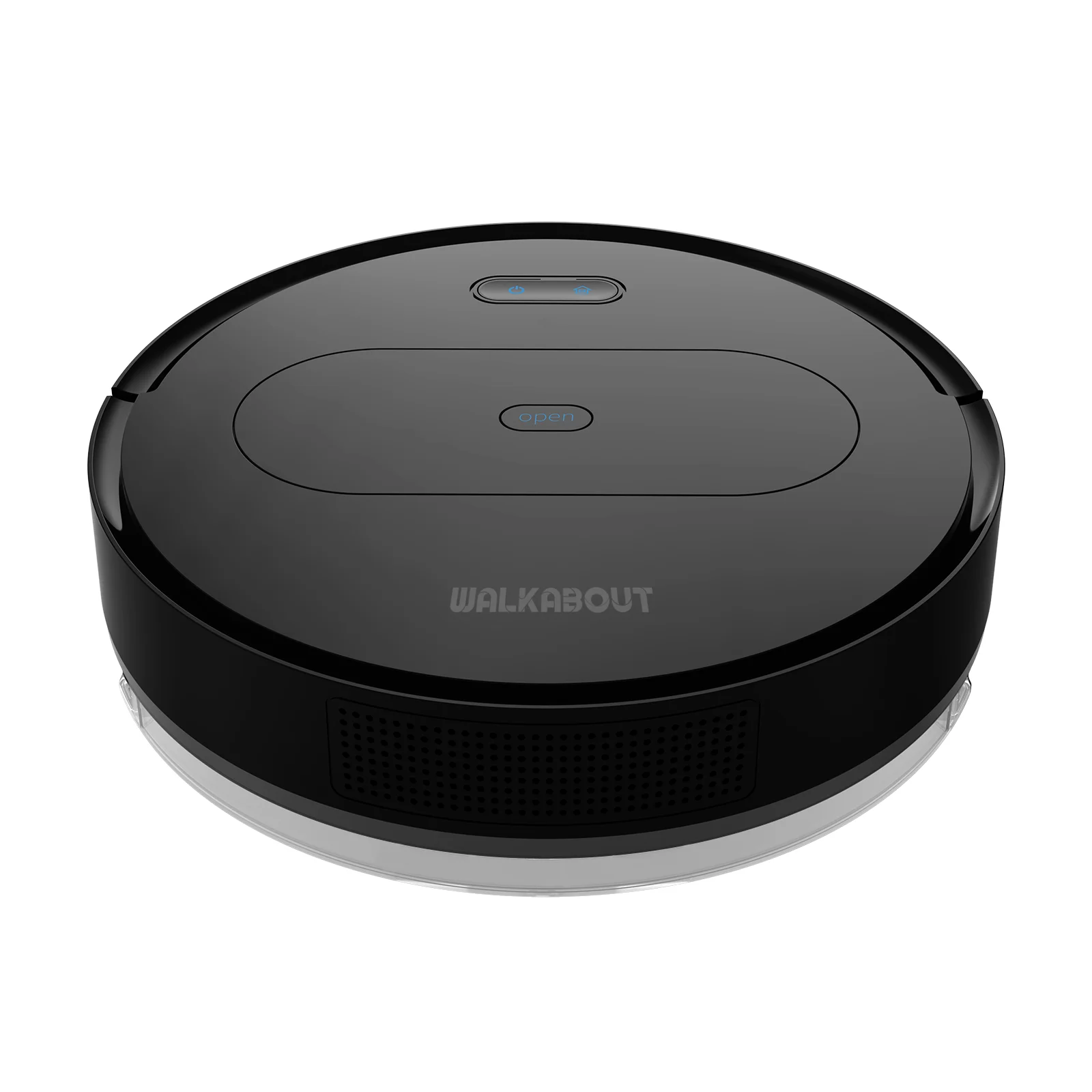
The Tesvor S6+ robot vacuum cleaner and mop combines 2700Pa suction with laser navigation to lift dirt, dust and pet hair from hard floors and medium-pile carpets. Control it by app, remote or voice and let scheduled cleaning take care of the everyday mess.
Key Features
- Laser intellect navigation technology for mapped, efficient cleaning
- 2700Pa maximum suction power
- 5200mAh battery with up to 120 minutes of run time
- S-shape cleaning route
- Alexa and Google Home voice control plus remote control
- App functions include real-time map, schedule cleaning and restricted zones
- Three modes: Silence, Standard and Powerful, with automatic adjustment based on the floor state
- Auto recharge with break-point memory to resume interrupted work
- Anti-falling sensors and anti-collision design
- Slim 3.95 inch body
- Mopping function supported (without water tank accessories)
- Can upgrade to a dust collector
Specifications
- Size: 33.0 x 33.0 x 7.5 cm
- Weight: 4.0kg
- Battery capacity: 5200mAh (14.4V / 25W)
- Rechargeable battery life (approx.): max. 120 min.
- Voice service: Amazon Alexa, Google Home
- Voice assistance: English
- Cleaning setting: area, edge
- Cleaning type: vacuuming and mopping
- Warranty: 6 months
What's in the Box
- 1 charging station
- 1 power supply
- 1 remote control (without batteries)
- 4 side brushes
- 1 cleaning tool
- 1 filter
- 1 water tank
- 1 microfibre cloth
Optimal Use
- Update the app to the latest version when you receive the robot vacuum cleaner.
- Best suited to medium-pile carpets, tile, laminate and hardwood floors. Not suitable for long-pile carpets.
- When the water tank is attached, obstacles cannot be overcome; plan cleaning room by room for a complete clean.
Wi-Fi Setup
- Place the robot vacuum and mobile phone near the Wi-Fi router.
- Confirm the 2.4G and 5G Wi-Fi SSIDs are different, then connect the robot vacuum to the 2.4G Wi-Fi.
- Confirm the Wi-Fi password entered is correct.
- In the Wi-Fi router configuration page, turn off the firewall, turn off MAC address filtering and turn off the whitelist/blacklist.
- Do not use repeaters.
- Do not use a signal amplifier.
If the above does not work, use a mobile phone to share a Wi-Fi hotspot and connect the robot vacuum cleaner to this hotspot.