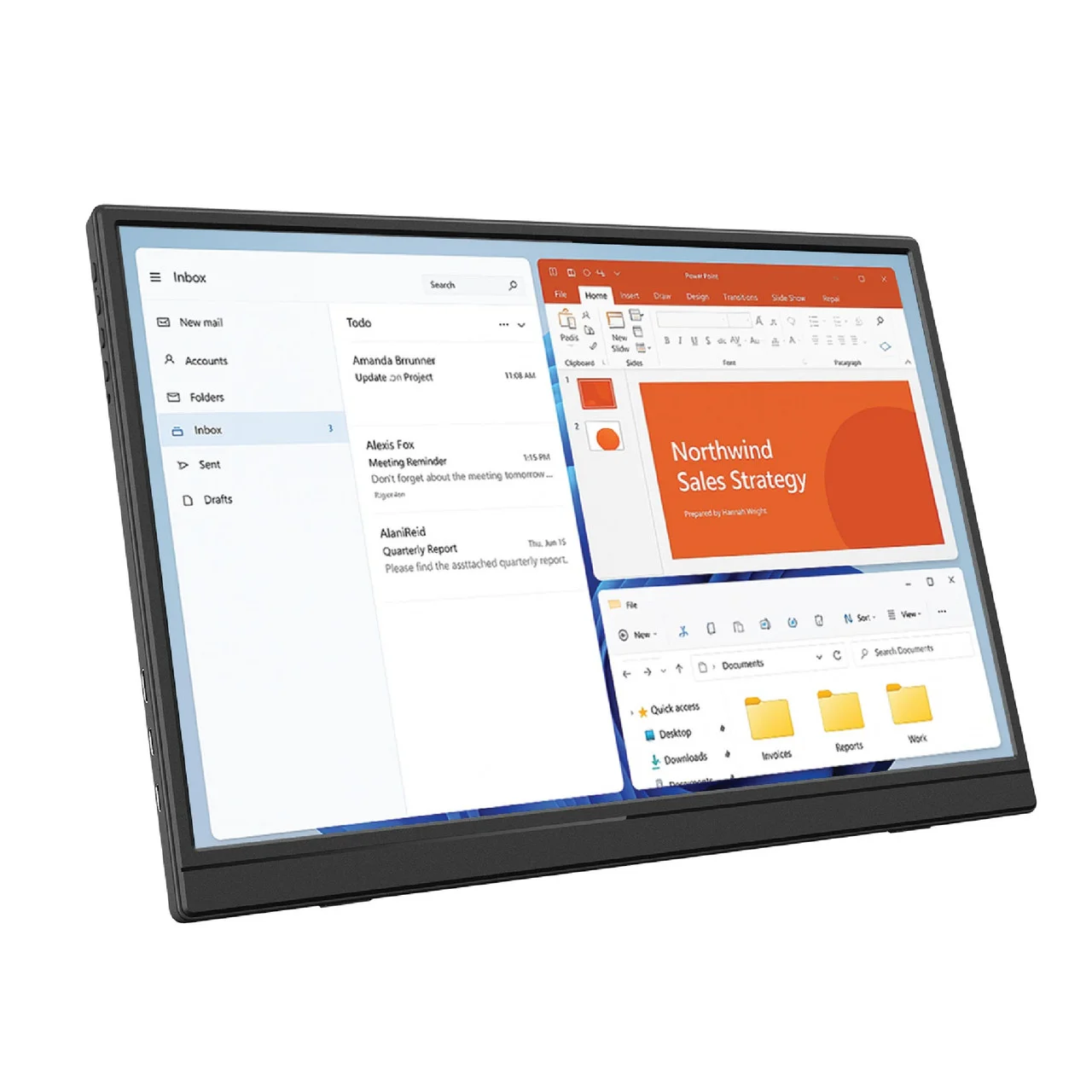
If you have ever tried to work on spreadsheets, code or video calls from a single laptop screen, you know the pain of constant window shuffling. The Laser 14 inch USB-C Portable Display solves it with a slim, lightweight second screen that runs off a single USB-C cable. Here's our full review.
What Is the Laser 14 Inch USB-C Portable Display?
It's a 14-inch portable monitor from Australian brand Laser that connects to your laptop, tablet or compatible smartphone over USB-C - one cable for both power and video. At $157.46, it sits in the sweet spot for computers and tablets accessories that genuinely upgrade your setup without costing as much as a full desktop monitor.
Key Features at a Glance
- 14-inch display - large enough for real work, small enough to fit in a laptop sleeve.
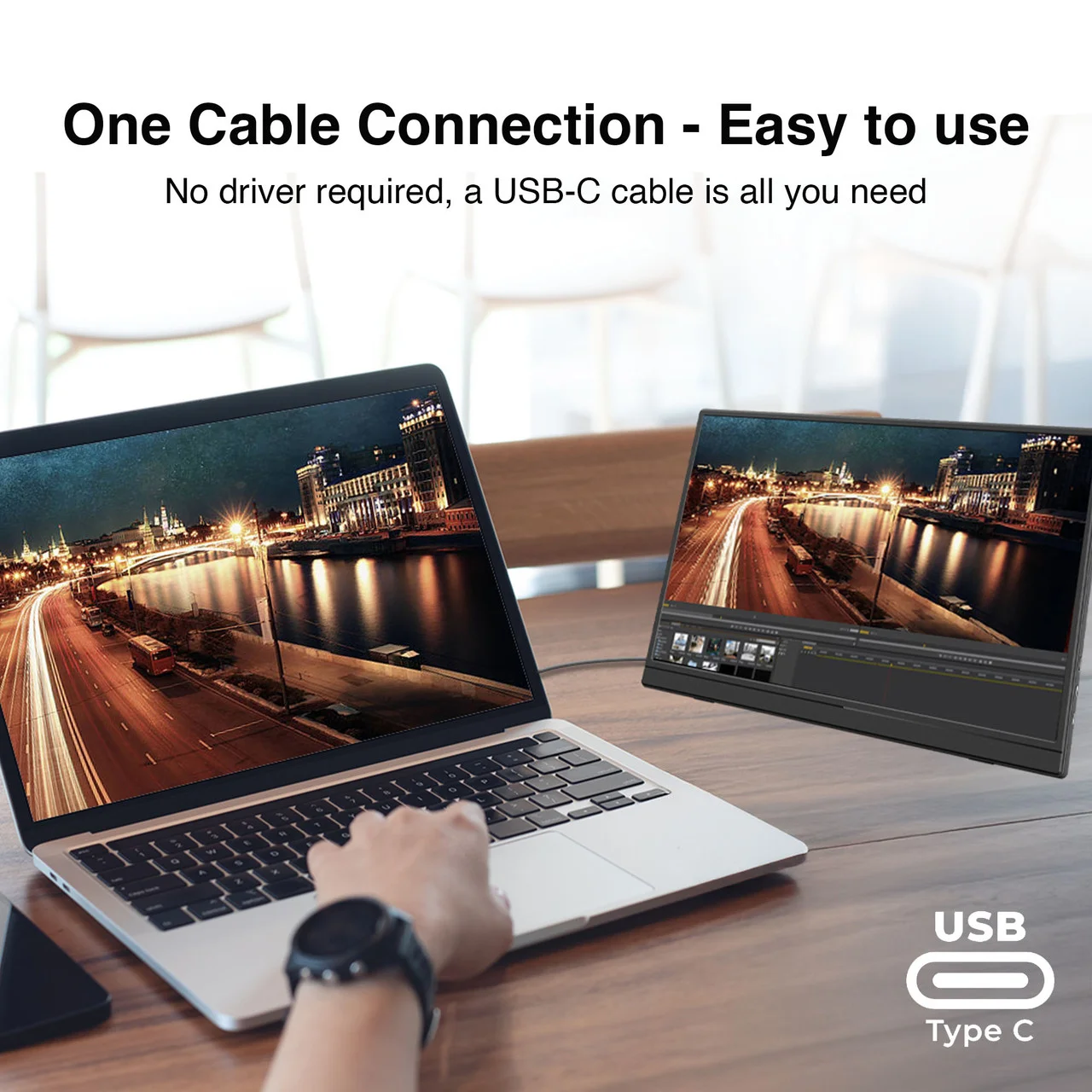
- Single USB-C connection - power and video over one cable, no wall wart required.
- Plug and play - no drivers needed on modern Windows, macOS and ChromeOS devices.
- Lightweight, travel-friendly design - built for hot-desking, commuting and working from anywhere.
- Backed by a 12-month warranty when you buy from CS2B.
Who Is It For?
- Remote and hybrid workers who want a dual-screen setup at the kitchen table, then at the office.
- Students who need a second screen for research while writing assignments.
- Travellers and digital nomads - it packs flat next to your laptop.
- Anyone presenting on the go - mirror your screen to clients without crowding around one laptop.
Setup: Genuinely 30 Seconds
Connect the included USB-C cable from the display to your laptop and it powers on as an extended display - that's it. There is no external power brick to carry and no software to install. If your laptop's USB-C port supports DisplayPort Alt Mode (most modern laptops do), you are ready to go.
How It Compares to a Desktop Monitor
| Laser 14" Portable Display | Traditional Desktop Monitor | |
|---|---|---|
| Portability | Fits in a laptop bag | Desk-bound |
| Power | Single USB-C from laptop | Separate power cable |
| Setup time | ~30 seconds | Mount, cables, cable management |
| Best for | Travel, hybrid work, small desks | Permanent desk setups |
If your work happens in more than one place, a portable display wins hands down. Browse more options in our desktops and accessories range if you are building a permanent desk setup instead.
Frequently Asked Questions
Does the Laser portable display work with MacBooks?
Yes - any MacBook with USB-C/Thunderbolt ports supports it plug and play, no drivers required.
Does it need its own power supply?
No. It draws power from your laptop over the same USB-C cable that carries the video signal.
Can I use it with a phone or tablet?
Yes, with devices that support video output over USB-C (DisplayPort Alt Mode), including many Samsung Galaxy and iPad Pro/Air models.
The Verdict
The Laser 14 inch USB-C Portable Display is one of the best value productivity upgrades you can make in 2026. At $157.46 with fast Australia-wide shipping from CS2B, it turns any table into a dual-screen workstation in under a minute.